Always free
Writing, reading and sharing your memories.


By KapricornX
A diary for the moments you want to keep, with your photos. When you're ready, bind them into a PDF book you can read, print or share.
For Android. No account, no ads, no subscription.
Inside the app
Screens from the app itself, shown with demo memories.
From memory to book
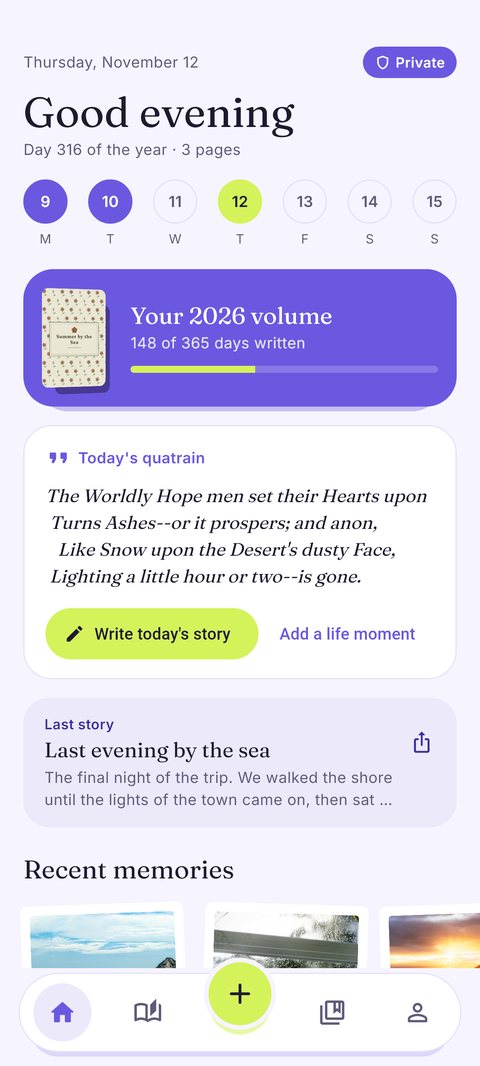
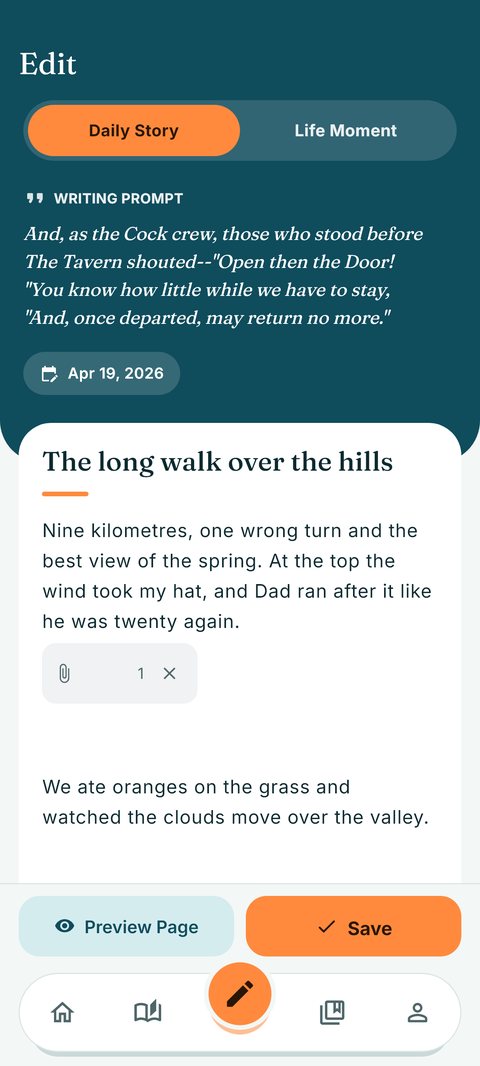
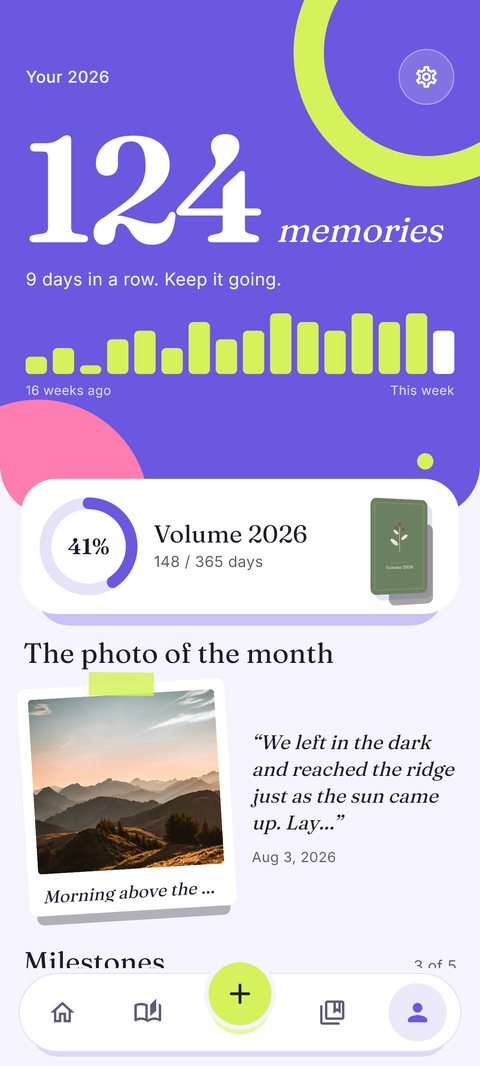
Write about today, or about any day in the past. You choose the date. Add photos from your gallery and place each one inside your text. Give it a category, and it finds its way into the right book. A short classic verse each day helps you start.
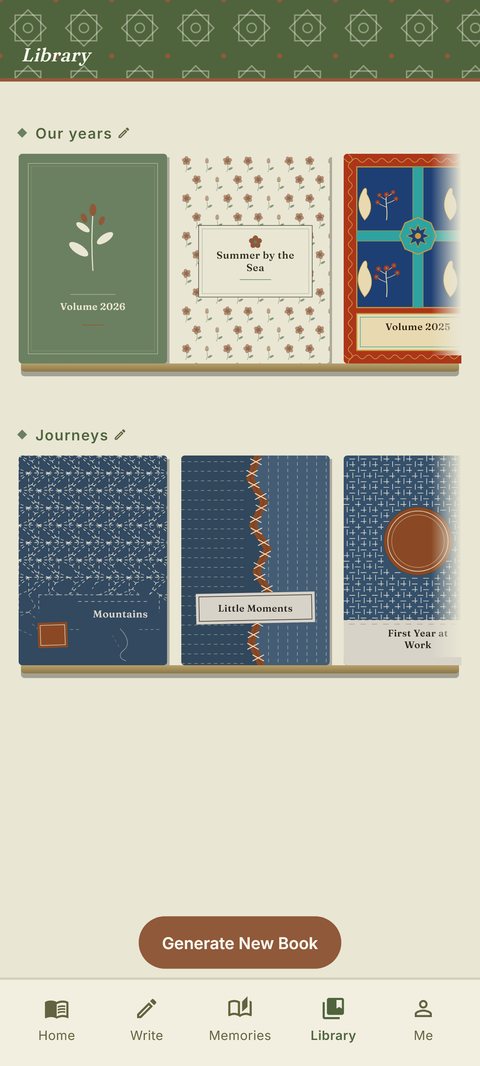
Turn a year of memories into a Volume, or a category into a Collection. Your book is saved as a PDF you can read in the app, print or share, and it sits on your own shelf in the Library.
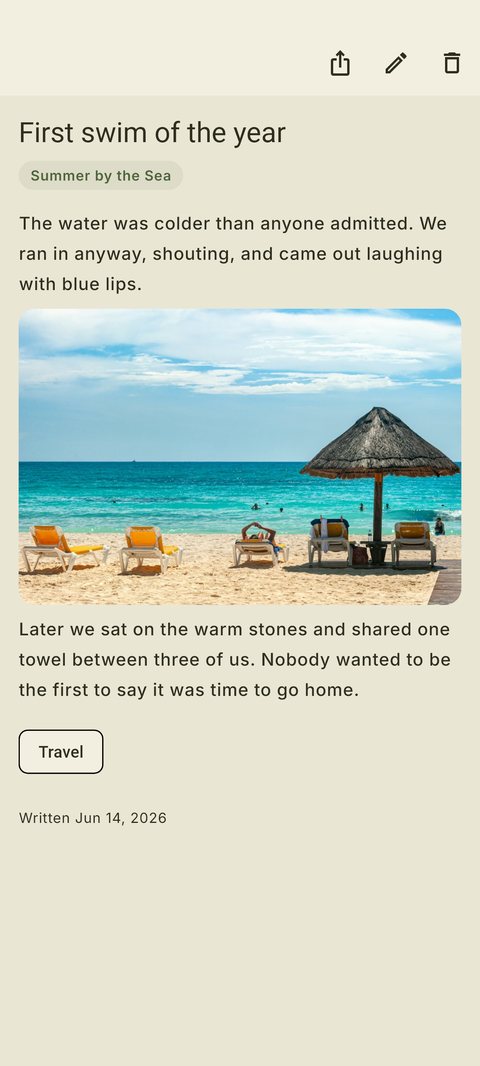
Share a line of your writing or a book cover as a Story, Square or Portrait post. Nothing is shared unless you share it.
Nine covers, three families
Pick a cover and the whole book follows: the spine, the page frames, the way a chapter opens.
Tap a cover to put it on the book at the top of the page.
A real book, made by the app
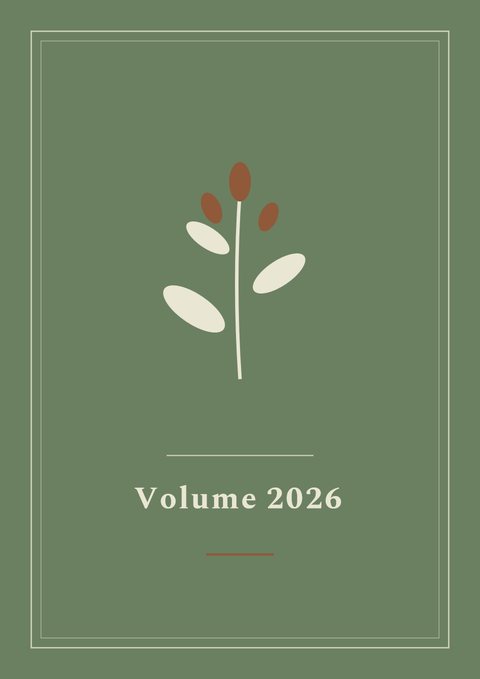
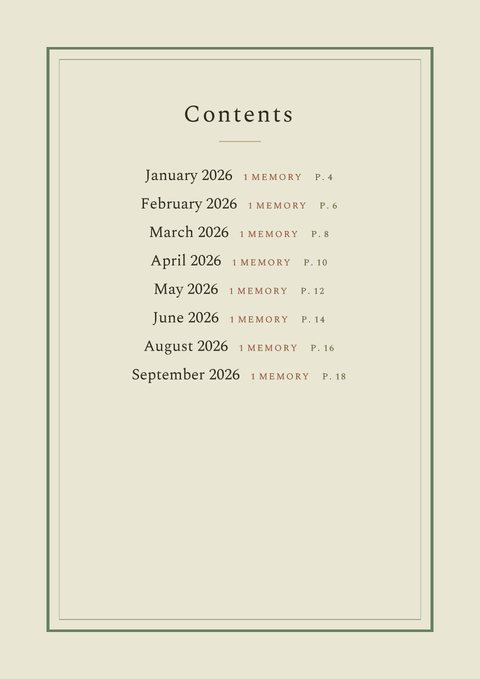
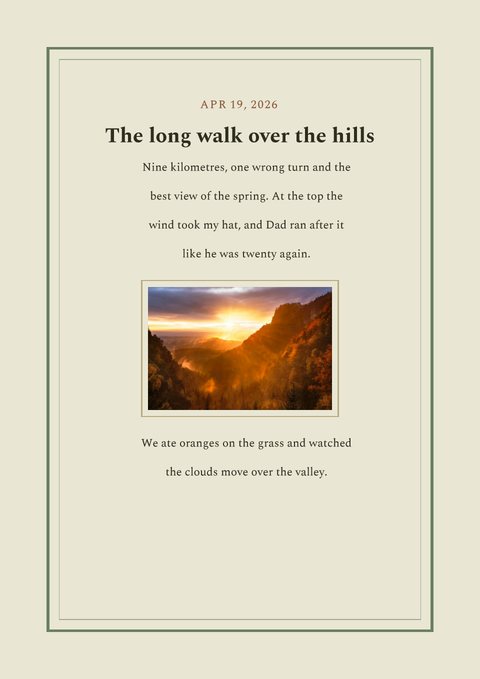
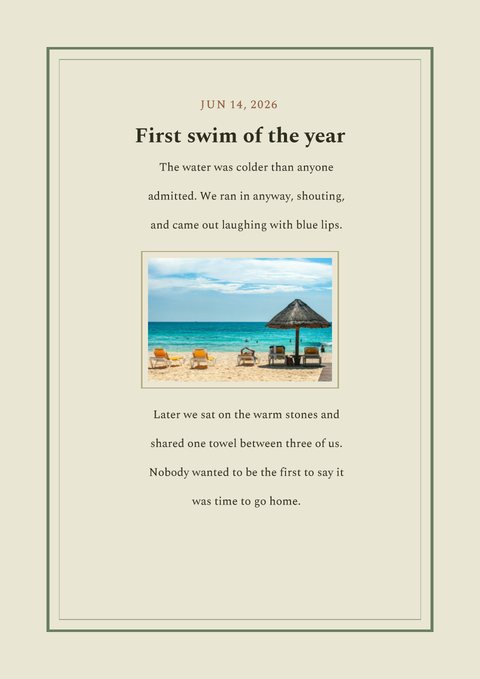
This book was made by the app from demo memories, with the Sage Botanical cover. What you see is the PDF it wrote.
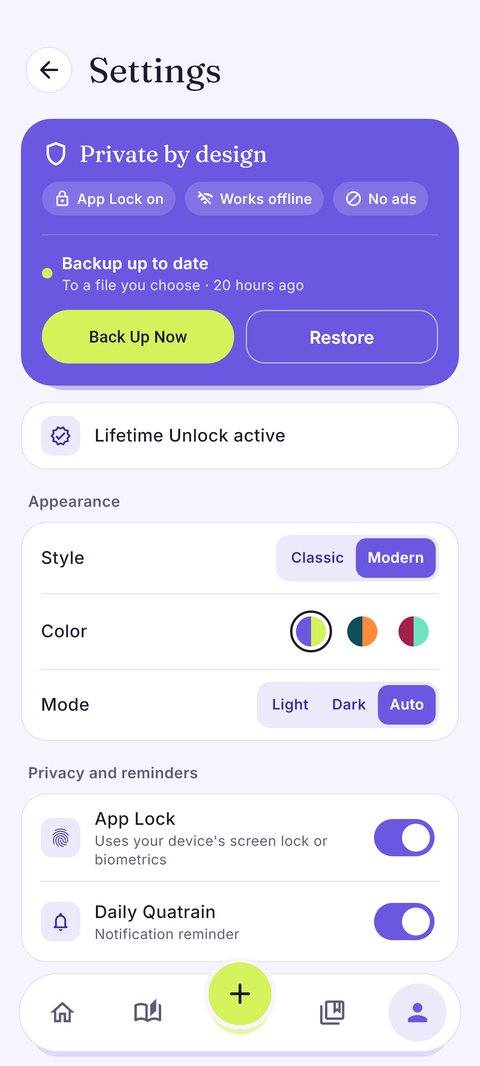
Private by design
Pricing
Writing, reading and sharing your memories.
Free, with all nine covers. It can hold the memories from your first 7 days or your first 30 memories, whichever comes first.
One purchase through Google Play lets you make and update all your books. No subscription.
Questions
No. Rubai Journal has no account and no sign-in.
On your phone. To keep a copy somewhere else, create a backup file and save it where you choose.
Yes. Your book is a PDF. Open it from your shelf in the Library and choose Print or Share.
English and German. You can switch in Settings.
Making and updating all your books, after your first free one. It's one purchase, not a subscription.
Create a backup file on your old phone and restore it on the new one. See the steps in Support.
Your first book is free. No account, no subscription.
Get it on Google Play Questions? Visit support